- Don’t use window cleaners, household cleaners, compressed air, aerosol sprays, solvents, ammonia or abrasives containing hydrogen peroxide to clean your device.
- Don’t use bleach.
- Don’t submerge your device in any cleaning agents.
- Avoid harsh cleaners and rough scrubbing. When disinfecting the screen, avoid excessive wiping.
Notes:
- Using a 70% isopropyl alcohol wipe or Clorox® Disinfecting Wipes, gently wipe the exterior surfaces of your device.
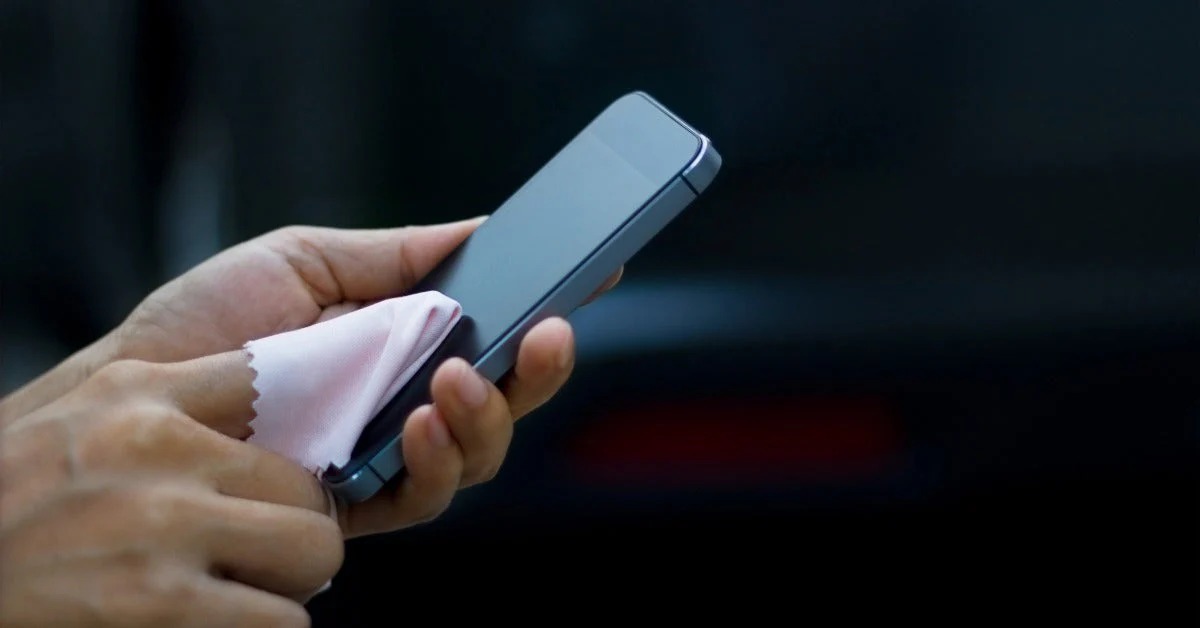
- For the screen, use screen wipes or eyeglasses cleaner.
- For the back and sides, use ordinary household soap or bleach-free cleaning wipes.
To sanitize and clean your device(s), here are a few guidelines to follow:
- Before cleaning your device, power it down. If possible, remove any accessories (e.g., covers, cases, etc) and unplug all cables.
- Use a soft, slightly damp, lint-free cloth with warm soapy water.
- Avoid getting moisture in openings.
- To clean dirt that might have accumulated around the SIM tray opening, use a soft-lint free cloth and place a very small amount of rubbing alcohol on it to gently wipe away dirt from the port opening, avoiding any moisture in the opening.